History and photos
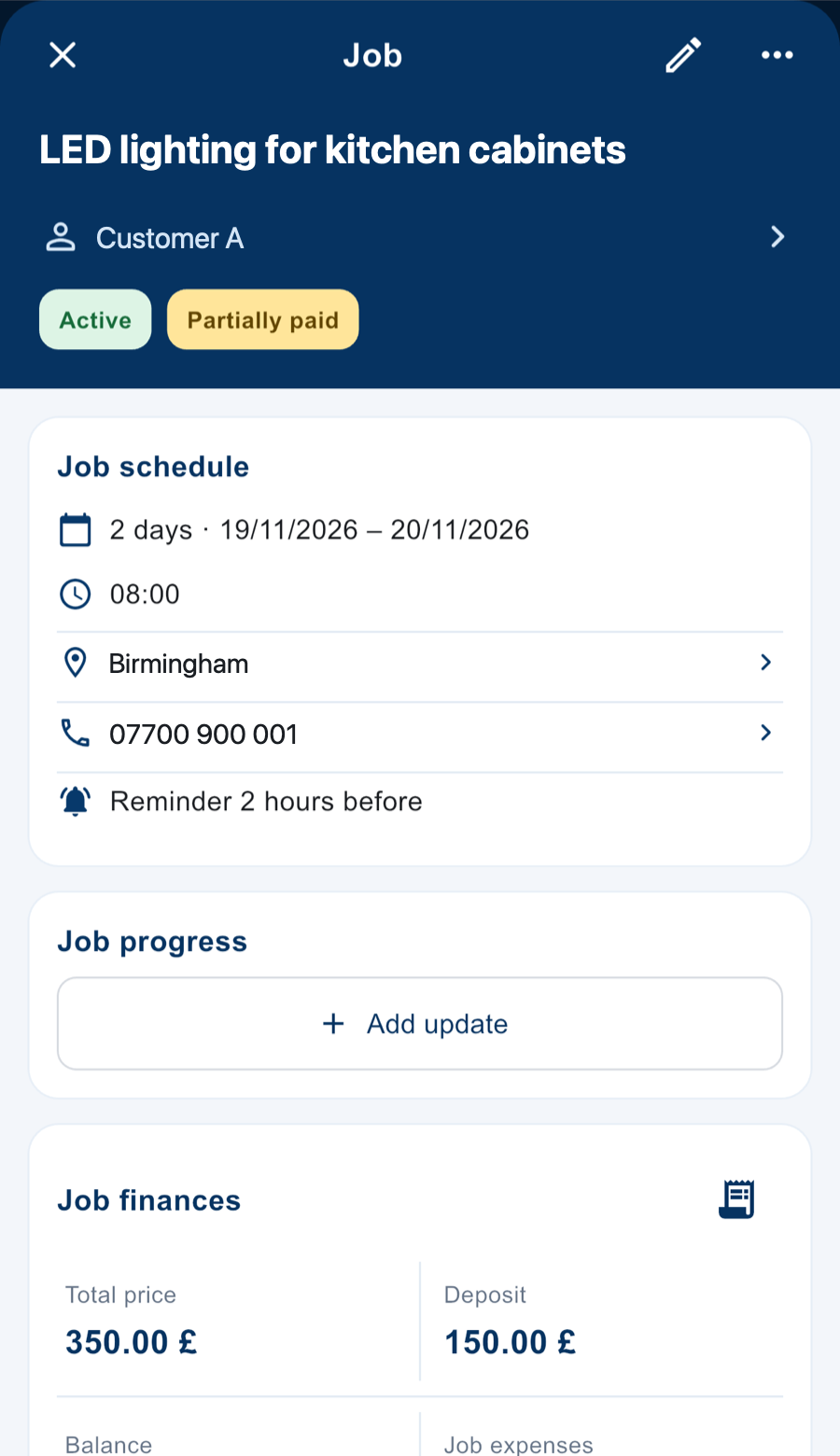
What you did, when and where. With before, during and after photos kept inside the job.

For technicians, tradespeople and any professional who does jobs for customers
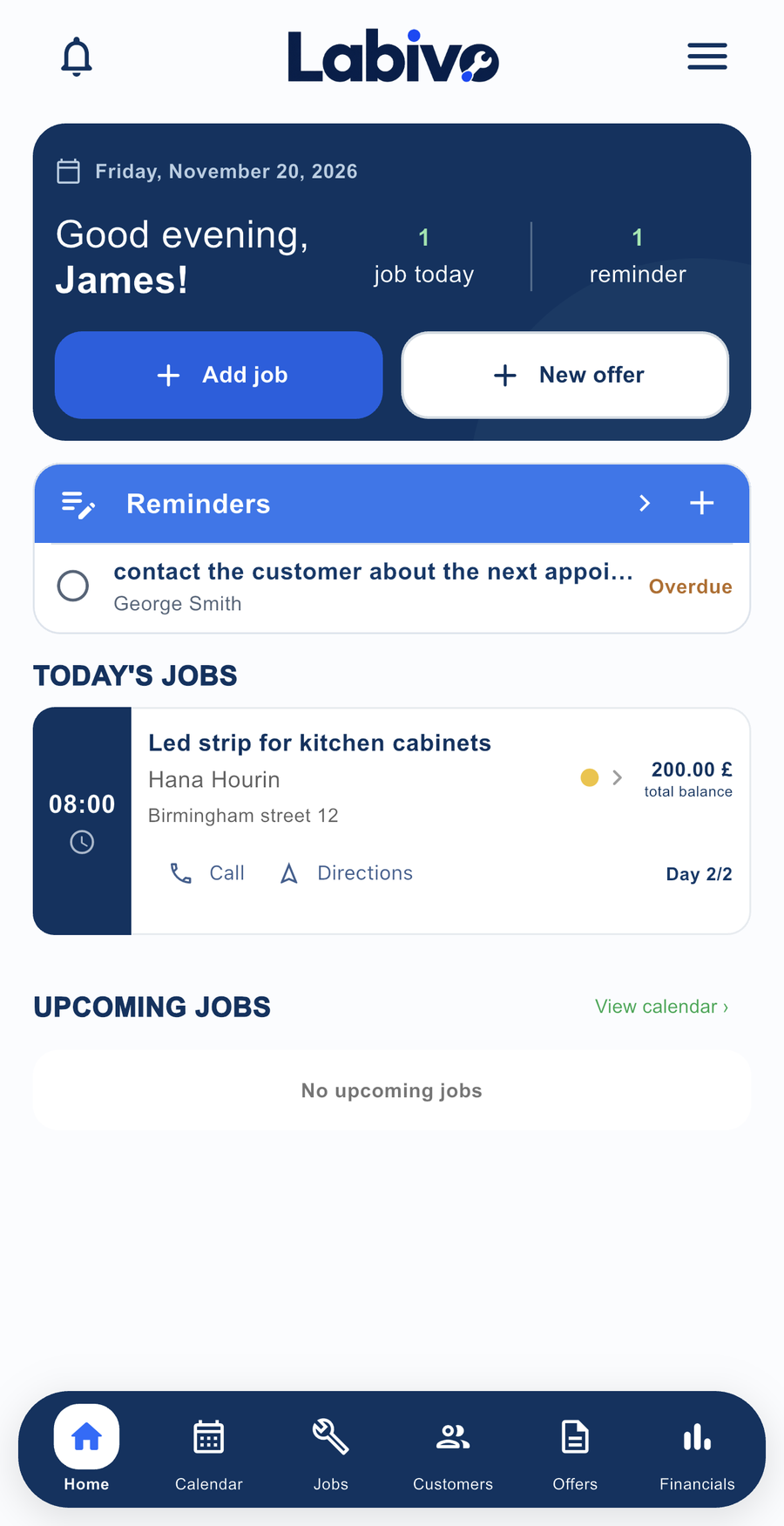
Customers, jobs with before and after photos, PDF quotes and who still owes you. All on your phone, with every customer’s history always with you.


What you did, when and where. With before, during and after photos kept inside the job.
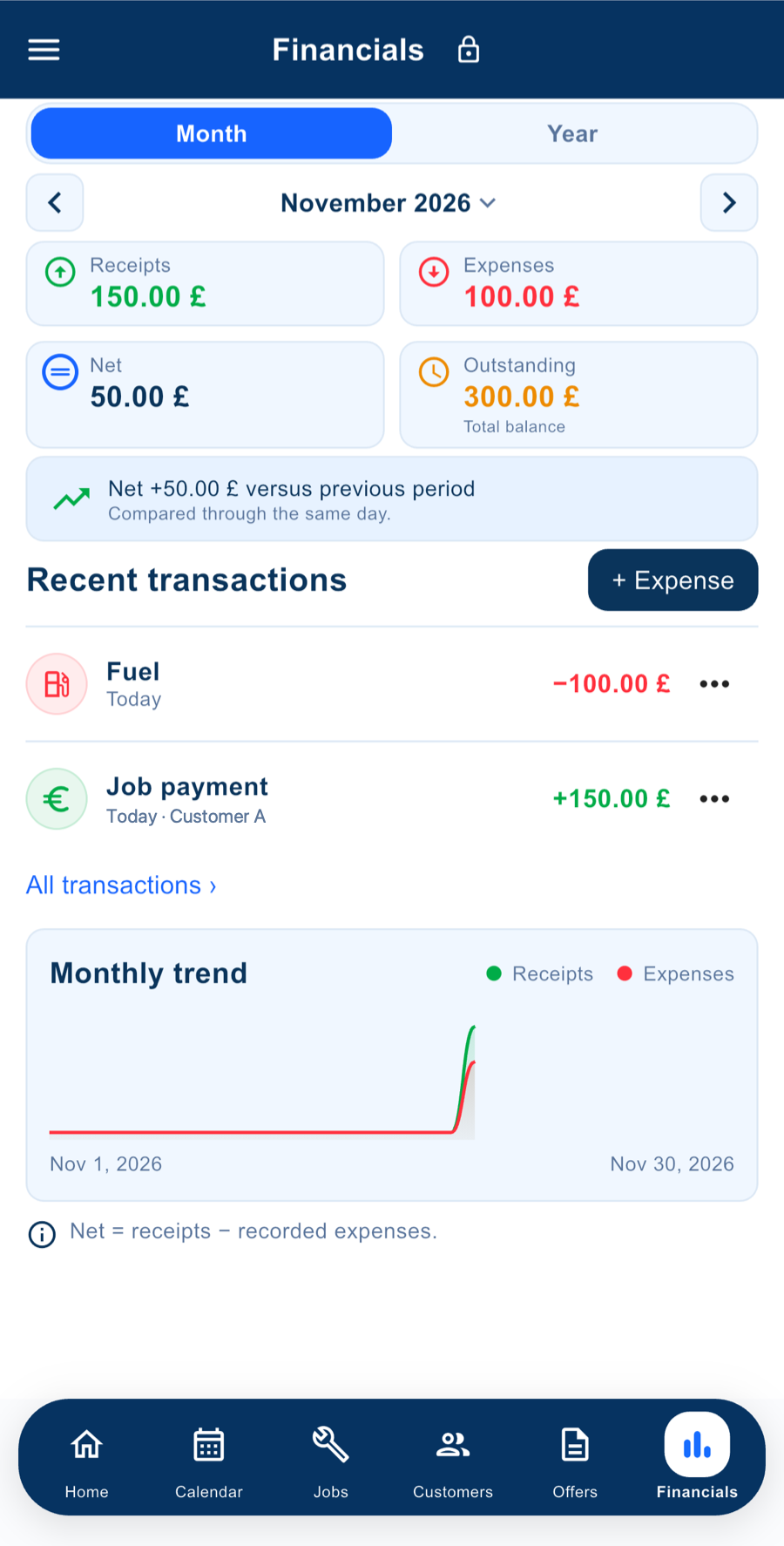
Payments, balances and expenses for materials and fuel. You know what came in and what is missing.
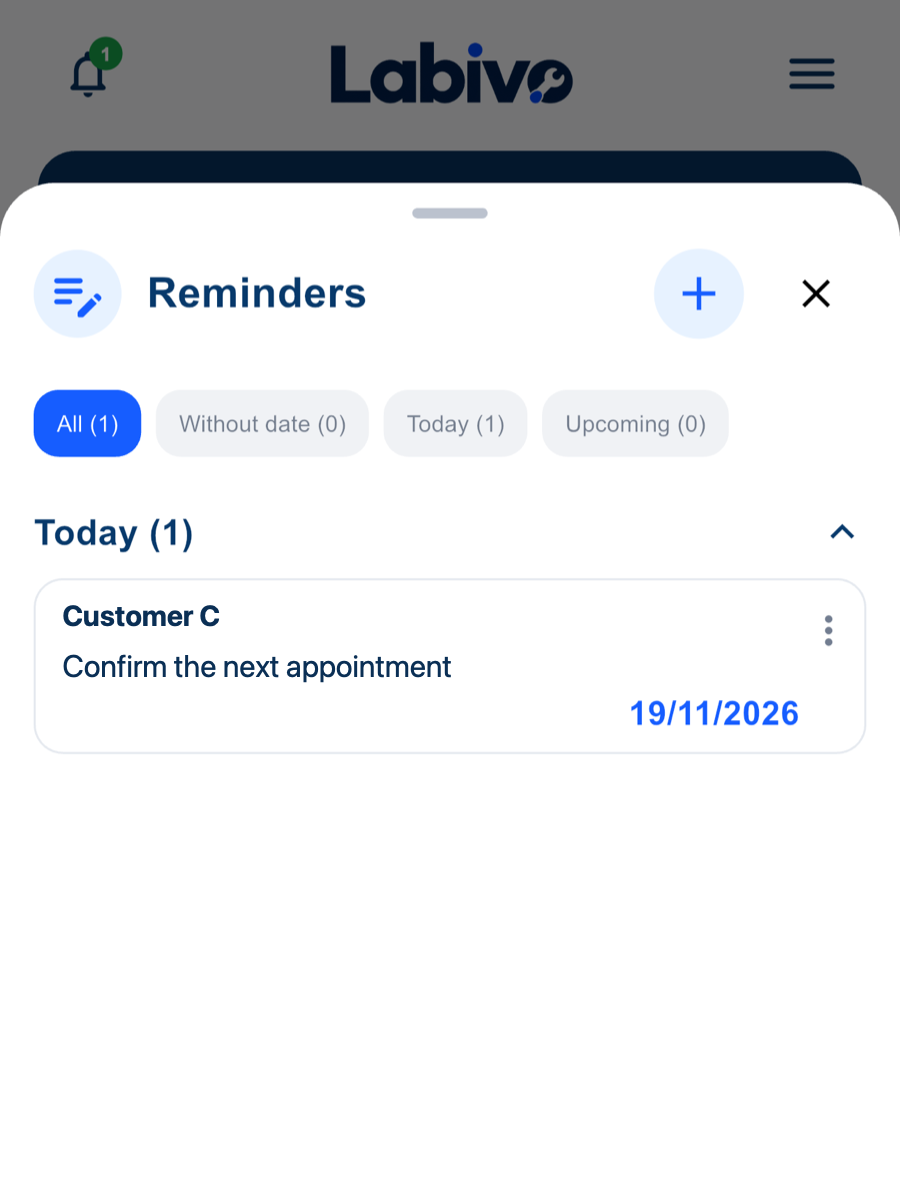
The call you promised, the next service visit, the materials to order.
Materials, quantities and prices, with your logo and signature. And when you finish, a job report with the before and after photos.

And how Labivo handles them.
Open the customer and see every job you did for them, with photos and amounts.
The description and the agreed amount are inside the job.
See the payments and balance of each job, and everything unpaid in one place.
Keep them inside the job itself, split into before, during and after.
Build it with materials, quantities and prices and send it as a PDF.
Set a reminder for the next service visit as soon as you finish the job.
Log them from your phone and see where your money goes.
Download Labivo and log your first job in a minute.
After the Beta an optional subscription will be added, announced in advance. You will not be charged unless you choose to buy.
Anyone who does jobs for customers and wants to keep a record of them: technicians (electricians, plumbers, HVAC), tradespeople, painters, gardeners, cleaning crews, event decorators and any professional who wants their customers, jobs, quotes and payments in one place.
Yes. Labivo is free during the Beta, with no card and no automatic charges. The future optional subscription will be announced in advance.
Yes. Download it from the App Store or Google Play.
Yes. Many technicians log their jobs at the end of the day or week to keep their history. With quick entry you add a job in a few seconds and fill in more only if you want to.
You need internet to sign in and to sync your data to the cloud. Before using your data on another device, make sure your latest changes have synced.
Email support.labivo@gmail.com with your device and what is happening. Do not send passwords or customers’ personal details.
For help with Labivo, feedback or questions about your account, send us an email.